Will they use voice chat while gaming?
Play game audio and speak through the microphone at the same time. Check the sound and voice in the intended app, not just music playback.

Importer connection guide
Your customer wants one headset for gaming at a desk and listening on a phone. Should you choose 2.4GHz, Bluetooth or both? Start with the devices they actually use. A 2.4GHz headset normally connects through a dedicated USB receiver. Bluetooth pairs directly with a compatible phone or laptop. A tri-mode model adds a wired option, but three modes do not automatically mean simultaneous audio.
Before you shortlist a sample, check game sound and the microphone together on each required device. A receiver that plugs in is not, by itself, proof of compatibility.
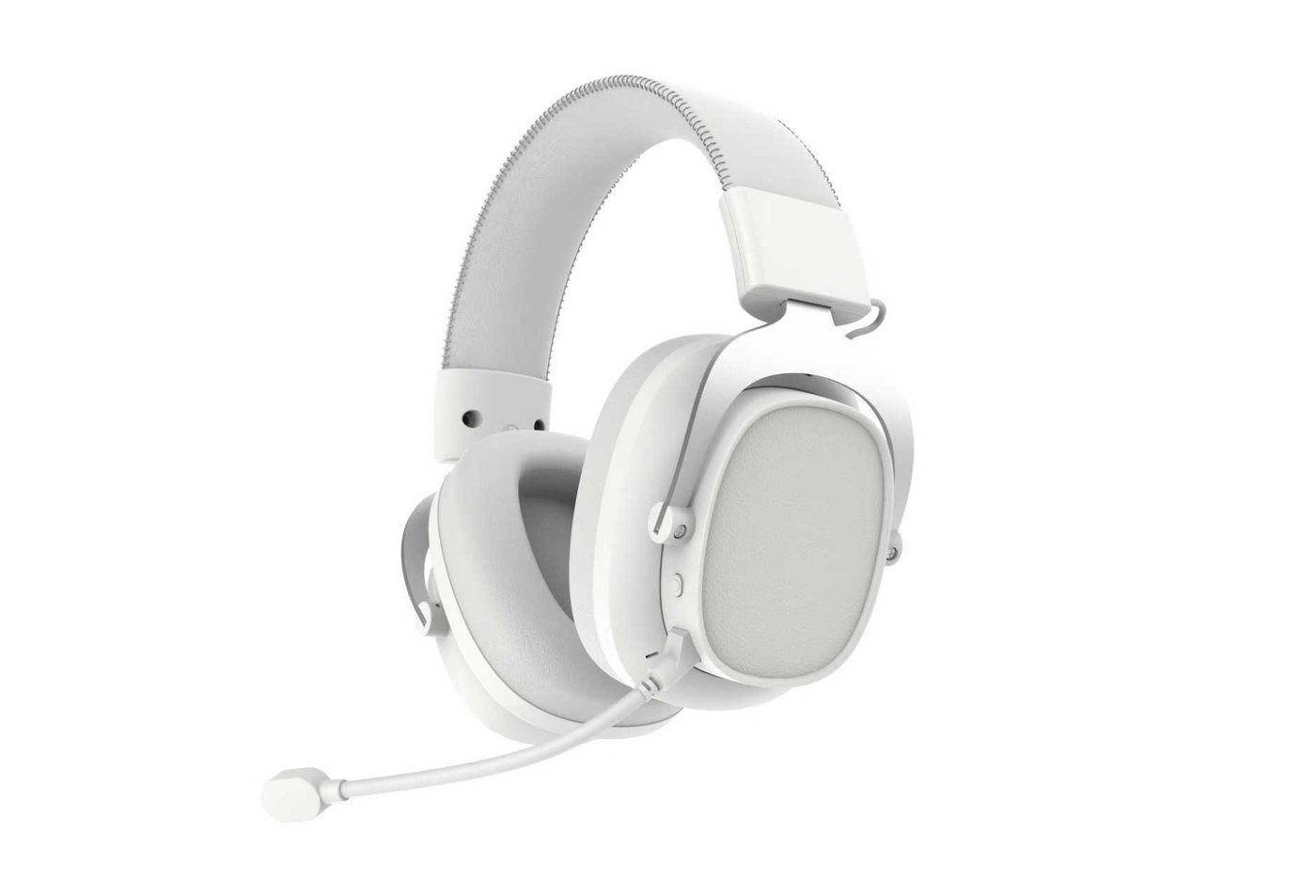
Comparison table
This table explains the normal product role of each connection. It is not a substitute for checking the selected receiver, target device and physical sample.
| Buyer question | 2.4GHz wireless headset | Bluetooth headset |
|---|---|---|
| How does it connect? | Normally through a dedicated USB receiver included with the product. | Normally through direct Bluetooth pairing with a compatible device. |
| Typical product role | PC, console or gaming-focused headset use where receiver details matter. | Phones, tablets, laptops and everyday listening directions. |
| What should the buyer check? | Receiver type, target-device setup, cable set, packaging list and sample behavior. | Target-device pairing, controls, connection behavior and sample compatibility. |
| Packaging evidence | Receiver image, receiver slot or packing list, charging cable and printed material references. | Pairing instructions, cable or charging accessory references and target-device notes. |
| RFQ wording | State the target devices, receiver requirement, included accessory set and sample test plan. | State the target devices, pairing use case, controls, sample test plan and packaging questions. |
| When does tri-mode fit? | When a documented model combines 2.4GHz, Bluetooth and wired directions. Confirm the exact version before final product information is approved. | |
Before choosing a sample
You do not need every connection mode just because it appears on a specification sheet. Start with what your customer needs to do.
Play game audio and speak through the microphone at the same time. Check the sound and voice in the intended app, not just music playback.
Decide whether they need direct Bluetooth pairing or a receiver. If a receiver is required, confirm the phone, port and any adapter before ordering.
Should the game pause, should audio switch, or should the two sources mix? Ask for that exact behavior to be demonstrated. Tri-mode alone does not answer this.
Ask whether the cable carries playback and microphone signals, or only charges the headset. Test whether wired use needs the headset powered on.
Before private-label sampling
A headset that plays music successfully has not yet passed a gaming sample check. Test playback and voice together, then record the exact device, connection, receiver and firmware. The checklist below is a proposed buyer test, not a TALRIVO test result.
| Buyer requirement | Check on the sample | Record before approving packaging |
|---|---|---|
| PC gaming with voice chat | Play the same game audio with the headset microphone off, then on in the intended chat app. Repeat over the receiver and Bluetooth where supported. | PC, OS, driver, app, input/output device and any audible change, dropout or mute-control failure. |
| PS5 wireless audio | Test the selected receiver on the exact console. Check game sound, microphone input, mute and reconnection after sleep. | Console version, USB port, receiver version and supported functions. A USB plug alone is not compatibility evidence. |
| Phone and gaming device | Switch between the receiver and Bluetooth; then test what happens when a phone call arrives during gameplay. | Whether audio switches, pauses or mixes; which microphone is active; and how playback resumes. |
| Wired fallback | Confirm whether the selected cable carries audio, microphone, power or charging only. Test with headset power both on and off. | Cable type, supported functions and battery requirement. Do not label a charging-only USB cable as wired audio. |
| Low-latency claim | Request the measurement method, signal path, device, firmware and test conditions behind the stated figure. | Separate supplier-listed latency from independently measured end-to-end results. Do not promise zero latency. |
The G938 phone setup and controls video shows receiver insertion, phone settings and physical controls with English notes. It is a hands-on reference, not proof of universal phone compatibility or a completed Bluetooth pairing test. Use it alongside the sample checks above.
On Windows, microphone use can change the available playback format. Microsoft documents stereo playback during microphone use for compatible LE Audio setups, subject to PC hardware, headset support, Windows updates and drivers. Test the actual combination instead of assuming a Bluetooth version number guarantees this behavior. See Microsoft's Bluetooth LE Audio guidance.
No. Sony's PS5 FAQ says third-party Bluetooth headsets are not supported through that connection, while most USB and analog headsets are supported. That does not certify any TALRIVO model: confirm the exact headset and receiver on the target console. See PlayStation's official headset compatibility FAQ.
Do not assume it does. A list of three connection modes does not establish simultaneous mixing, call priority or automatic switching. Ask for a demonstration of the precise behavior required for your product; record it against the sample and firmware version.
Send a useful first question: "We need a private-label headset for [devices] in [market]. Game audio and microphone must work together over [connection]. Phone calls should [switch / mix / remain separate]. Which sample and receiver should we evaluate?"
Then compare wireless headset models, or use the microphone noise test checklist for a more detailed voice review.
Quick check
Tell us which devices your customers use and whether they need voice chat or phone calls during a game. We can help you decide which connection options to check on a sample.
Confirmed model data
Use these confirmed product-sheet details to decide which sample route to ask about first. Final receiver, firmware, accessories, packaging and destination-market documents still need project confirmation.
| Model | Best comparison role | Current documented data | Buyer check |
|---|---|---|---|
| G938 | Tri-mode gaming headset sample | JL7018M, 53mm driver, 32 ohm, 20Hz-20kHz, 110dB, 1000mAh, approximately 50h with lighting off, 600h standby, 3-4h charging, listed 20ms 2.4G latency, 10m range, detachable microphone, black or white direction. | Confirm receiver, firmware, color, microphone and accessory set on the selected sample. |
| G941 | Tri-mode wireless gaming headset direction | JL platform, 50mm driver, 32 ohm, 20Hz-20kHz, 110dB, 1000mAh, approximately 50h with lighting off, 600h standby, 3-4h charging, listed 20ms 2.4G latency and detachable microphone. | Use the product and microphone videos as visual context, then confirm the final sample version. |
| G936 | 2.4G gaming headset with fabric-cushion direction | JL7018M, 40mm driver, 800mAh, approximately 40h with lighting off, 500h standby, approximately 3h charging, listed 20ms 2.4G latency and detachable microphone. | Check receiver, cable set, fabric comfort, RGB behavior and packaging contents. |
| G935 | Lighter 2.4G wireless gaming headset route | JL7018M, 40mm driver, 500mAh, approximately 25h with lighting off, 300h standby, approximately 2h charging, listed 20ms 2.4G latency and detachable microphone. | Confirm receiver, microphone, battery wording and accessory set for the target channel. |
| B9 | Bluetooth headphone reference for direct pairing | Bluetooth 5.3 + EDR, JL chipset, 40mm driver, 32 ohm, 20Hz-20kHz, 110dB, 120mW, 300mAh, approximately 16-22h music and call time, 300h standby, 2h charging, 10m range, SNR less than or equal to 85dB, 1% distortion. | Use as a Bluetooth audio reference, not as the primary gaming headset route. |
Choose a sample route
Connection terms only help when they lead to a model, target-device setup and sample question. Start with the route that matches the buyer's intended channel.
G938 helps buyers compare documented 2.4G, Bluetooth and wired directions alongside microphone, receiver and packaging evidence.
G941 brings receiver detail, product-video context and a focused sample discussion into the connection decision.
G936 gives buyers a confirmed 2.4G gaming headset route with 40mm driver, 800mAh battery, detachable microphone and fabric-cushion direction.
G935 gives buyers a simpler 2.4G gaming headset route with 40mm driver, 500mAh battery, detachable microphone and accessory references.
Quick definitions
Search terms are often mixed together. These definitions keep RFQs, sample notes and public wording aligned with the actual connection setup.
Sample worksheet
When comparing 2.4G and Bluetooth samples, record the setup details before judging the result. This prevents a connection issue, accessory issue or device mismatch from being mistaken for a product issue.
| Field to record | What to confirm | How it helps the RFQ |
|---|---|---|
| Model and sample version | Exact model code and sample version under review | Keeps feedback tied to the approved product direction. |
| Receiver or adapter | Receiver type, adapter need and whether it is included in the sample set | Clarifies accessory and packaging requirements. |
| Target device | PC, console, laptop, phone, tablet or mixed use | Connects connection choice to the buyer's real market. |
| Connection mode | 2.4G receiver, Bluetooth, wired mode or a confirmed multi-mode route | Prevents catalogue wording from overstating supported modes. |
| Microphone route | Voice behavior in the selected connection mode | Shows whether microphone review belongs in the same sample round. |
| Controls and prompts | Pairing, mute, volume, mode-switch and indicator behavior | Identifies user-information and manual questions early. |
| Package contents | Receiver, cable, detachable microphone, manual and packing-list notes | Connects the approved sample with the package direction. |
| Unconfirmed claims | Latency, range, battery, compatibility or compliance details needing evidence | Keeps public copy and buyer documents factual. |
Direct comparison
The connection method changes the setup and product role. It does not prove an exact latency, range, compatibility or battery result without model-specific evidence.
Claim boundaries
Connection wording helps buyers shortlist products, but it does not prove every performance or compatibility detail. Keep exact claims tied to the selected model, sample version and available evidence.
First-party evidence
Connection type is only a starting point. TALRIVO's current evidence helps buyers compare model direction, while exact latency, battery, compatibility, transmission distance and compliance details still need confirmation for the selected version and destination market.
Supplied images, receiver detail, boom microphone, color directions and buyer questions help prepare a focused model review.
The official TALRIVO video provides a concise visual reference for the model; it does not replace specification or sample confirmation.
The separate official video provides supporting context for the G941 microphone and ENC discussion.
The buyer comparison connects connection direction with two existing TALRIVO model pages before sample selection.
The G938 page covers a documented 2.4G, Bluetooth and wired direction, model specifications and sample questions.
G926 adds receiver, microphone, accessory and packaging image evidence to a wireless gaming headset shortlist.
G935 gives buyers a lighter 2.4G wireless direction with detachable microphone, accessory images and a published G935 video for sample discussion.
The gaming headset collection compares wired, 2.4G wireless, Bluetooth and tri-mode product roles before sample selection.
The model comparison connects tri-mode direction with driver size, battery, microphone setup, videos and sample planning.
Importer comparison
Related headset guides
Comparing a wired option too? Check whether the headset USB carries audio or only powers the lights. A USB receiver, a USB-audio cable and a lighting-power plug are different connection routes.
Microphone placement, ENC tuning and voice clarity belong in the same sample review when headset claims include voice chat.
The checklist keeps microphone noise and voice-stability notes tied to the same 2.4G or Bluetooth sample.
The sample checklist covers sound, microphone, 2.4G or Bluetooth stability, comfort, packaging and documents before approval.
Workshop process references lead to questions about assembly, charging, cable checks, packaging materials and approval notes.
The 2.4G guide expands receiver setup, sample review and RFQ preparation for wireless gaming headset projects.
The wired vs wireless guide compares RGB wired headsets with wireless headset roles before model shortlisting.
The supplier checklist places connection choice inside a wider model, sample, customization and RFQ review.
G941 shows supplied product images, receiver detail, boom microphone, color options and sample questions for model-level discussion.
The G938 vs G941 comparison helps buyers choose between two tri-mode wireless headset directions before sampling.
The G941 vs G940 comparison connects wireless technology direction with two existing TALRIVO gaming headset models.
Buyer decision
For TALRIVO pages, facts should come from model pages, product images, samples or buyer questions. Commercial terms are handled through direct project discussion because B2B quotations depend on project details.
Supplier selection link
A 2.4G, Bluetooth or tri-mode choice should be checked together with model evidence, receiver packaging, microphone setup, sample testing and RFQ scope.
Review project responsibility, workshop context, sample traceability, packaging, documents and RFQ readiness after the connection route is clear.
Send the target devices, receiver requirement, Bluetooth use case, cable set and sample timing with the RFQ.
FAQ
A 2.4G wireless gaming headset normally uses a dedicated USB receiver for PC or console gaming setups, while Bluetooth pairs directly with phones, tablets or laptops; importers should compare target device, receiver, microphone route, battery wording and package contents on the selected sample before approving product claims.
For wireless headsets, 2.4G usually means a dedicated USB receiver route rather than direct Bluetooth pairing; buyers should confirm receiver type, adapter need, target device, package contents and sample behavior before treating 2.4G wording as final listing, RFQ or packaging information.
No, a 2.4G headset normally uses its own USB receiver, while Bluetooth pairs through the device's built-in Bluetooth function; dual-mode or tri-mode gaming headsets may include both routes, but importers should confirm the exact model and sample version first.
Most 2.4GHz wireless gaming headsets rely on an included USB receiver for the 2.4G route; buyers should verify receiver type, adapter need, target device, cable set, package contents and actual sample behavior before writing RFQ, listing or package wording.
Yes, a documented tri-mode gaming headset can combine 2.4G receiver, Bluetooth and wired use in one sample route; buyers should confirm the exact version, included receiver, cable route, controls, microphone behavior and target-device compatibility before approving public product wording.
For gaming headset sourcing, 2.4G is usually the stronger route for receiver-based PC or console setups, while Bluetooth is better for direct pairing and everyday audio use; importers should still verify latency, battery, range and compatibility on the selected model and sample.
Importers should choose by target channel, target devices and product role. Wired models can support simple stable setup and RGB styling, while wireless models can support cable-free gaming, 2.4G receiver use or tri-mode product directions when the sample version supports them.
Before asking for a wireless headset quote, buyers should prepare target market, sales channel, target devices, preferred connection route, model interest, quantity range, sample needs, logo or packaging direction and document questions for the selected model and destination market.
Send TALRIVO your target market, sales channel, target devices, sample plan and branding needs. We can help organize the headset discussion before RFQ.