Wired RGB range
Start with the wired gaming headset collection. Confirm the audio path, lighting power and accessory list. Download the blank wired sample checklist (TXT) to record your results.

Gaming headset guide
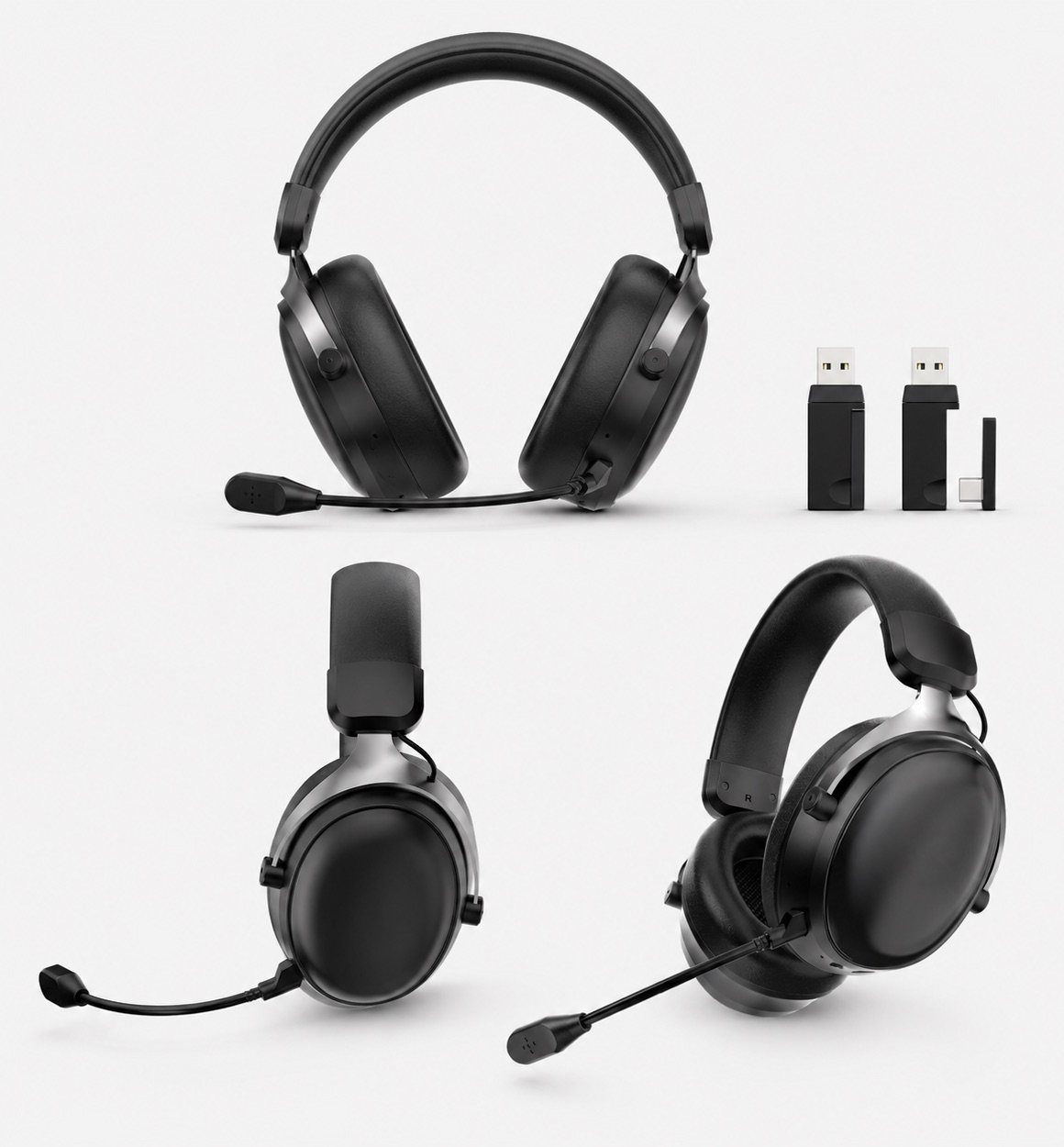
Compare the connection your customers will actually use: 3.5mm audio, USB audio, a 2.4GHz receiver or Bluetooth. Then check microphone operation, comfort, accessories and packaging on the selected sample before building a private-label range.
Quick answer
Connection comparison
Use this as a sample-review framework, not a universal compatibility chart. Connection mode and feature support must be confirmed for the exact headset version and target device.
| Connection | Audio route | Main sample checks | Accessory questions |
|---|---|---|---|
| 3.5mm wired | Playback and microphone through the specified audio plug. USB may power lighting only. | Jack wiring, playback, microphone input, volume and mute. | Combined headset jack or separate PC jacks? Is a microphone-supporting splitter needed and included? |
| USB audio | Digital playback and microphone through USB on the confirmed USB-audio version. | Playback and recording device recognition; software requirements for EQ or virtual surround. | Which cable, connector and operating systems are supported? |
| 2.4GHz wireless | The selected headset communicates with its matching receiver. | Receiver pairing, game audio and microphone together, reconnection and operation in the intended environment. | Which receiver and adapter are supplied? Confirm USB-A or USB-C and target-device support. |
| Bluetooth | The selected headset pairs with a supported Bluetooth host. | Pairing, reconnection, game audio and voice chat together on the intended device. | Does the host support the required headset functions? Confirm any adapter needs separately. |
For connector details, use the USB audio versus lighting guide. For wireless selection, use the 2.4GHz versus Bluetooth buyer guide. A charging port alone does not establish wired USB-audio support.
Private-label selection
Start with the wired gaming headset collection. Confirm the audio path, lighting power and accessory list. Download the blank wired sample checklist (TXT) to record your results.
Start with the 2.4GHz wireless headset collection. Compare the supplied receiver, microphone, listed battery specifications and target-device checks for the selected version.
Review the gaming headset model comparison, then test each mode separately. Do not assume tri-mode means simultaneous device audio or identical features in every mode.
Comparison points
Compare the same game, device and voice-chat setup on each sample. Record the mode and receiver used; do not compare latency figures measured under different conditions as if they were the same test.
Compare boom microphone position, flexibility, call clarity direction and whether the model fits gaming, streaming or office use.
For wireless samples, compare charging behavior and the conditions behind listed playback time, including lighting settings. For either range, check how appearance and included accessories match the intended retail position.
Review headband shape, ear cushion size, wearing-angle photos and product images before requesting samples.
Buyer questions
There is no universal result for every headset and device. Compare the selected wired and 2.4GHz samples on the same target device with game audio and microphone active, and record the connection mode and test conditions.
Start with target devices, audio and microphone connection paths, receiver or adapter requirements, comfort and included accessories. Confirm software-dependent features and wireless battery conditions on the exact sample.
The Gaming Headsets collection, Wireless Gaming Headsets collection and Wired Gaming Headsets collection provide product routes. Use the USB audio or lighting guide and the 2.4GHz versus Bluetooth guide to prepare connection questions.
For an example of why modes need separate review, see the CORSAIR VIRTUOSO connection guide. Its product-specific instructions do not establish compatibility or features for TALRIVO headsets.
Continue comparing
Share the destination market, sales channel, wired or wireless direction, quantity range and sample timing for a focused comparison.